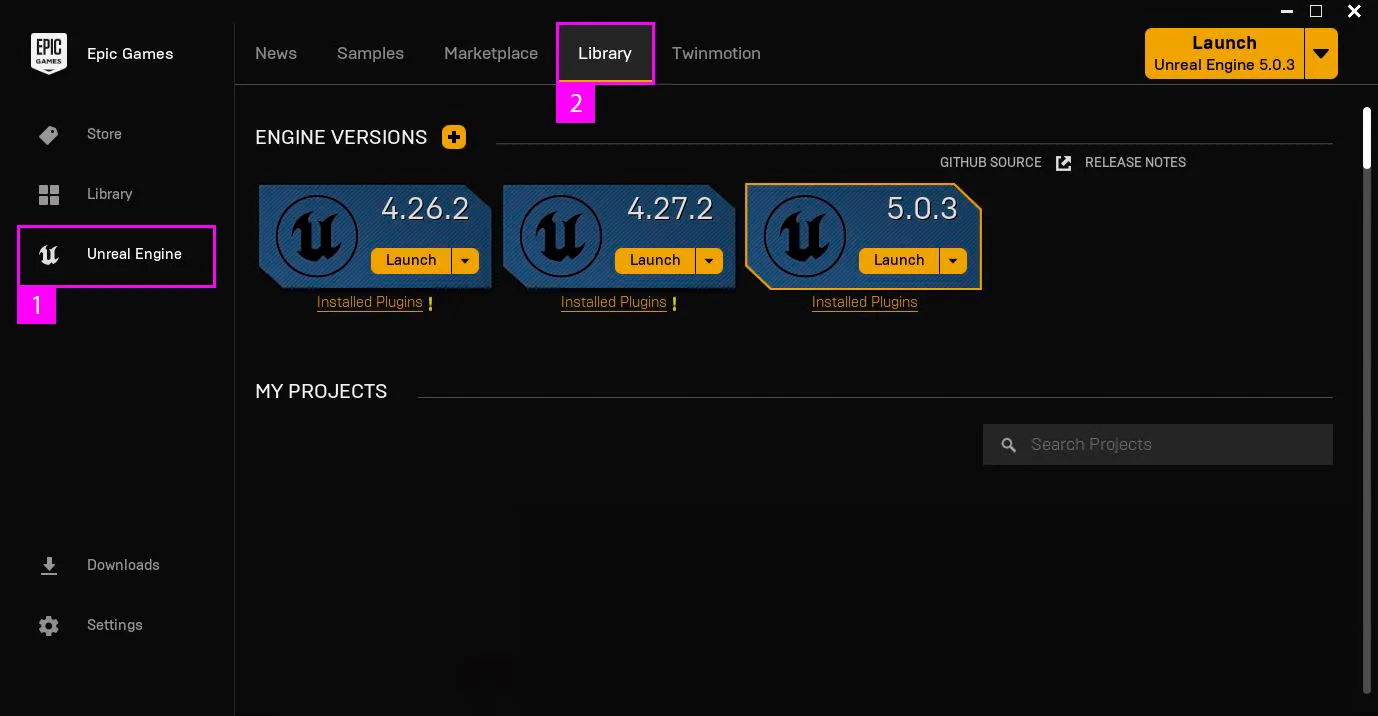
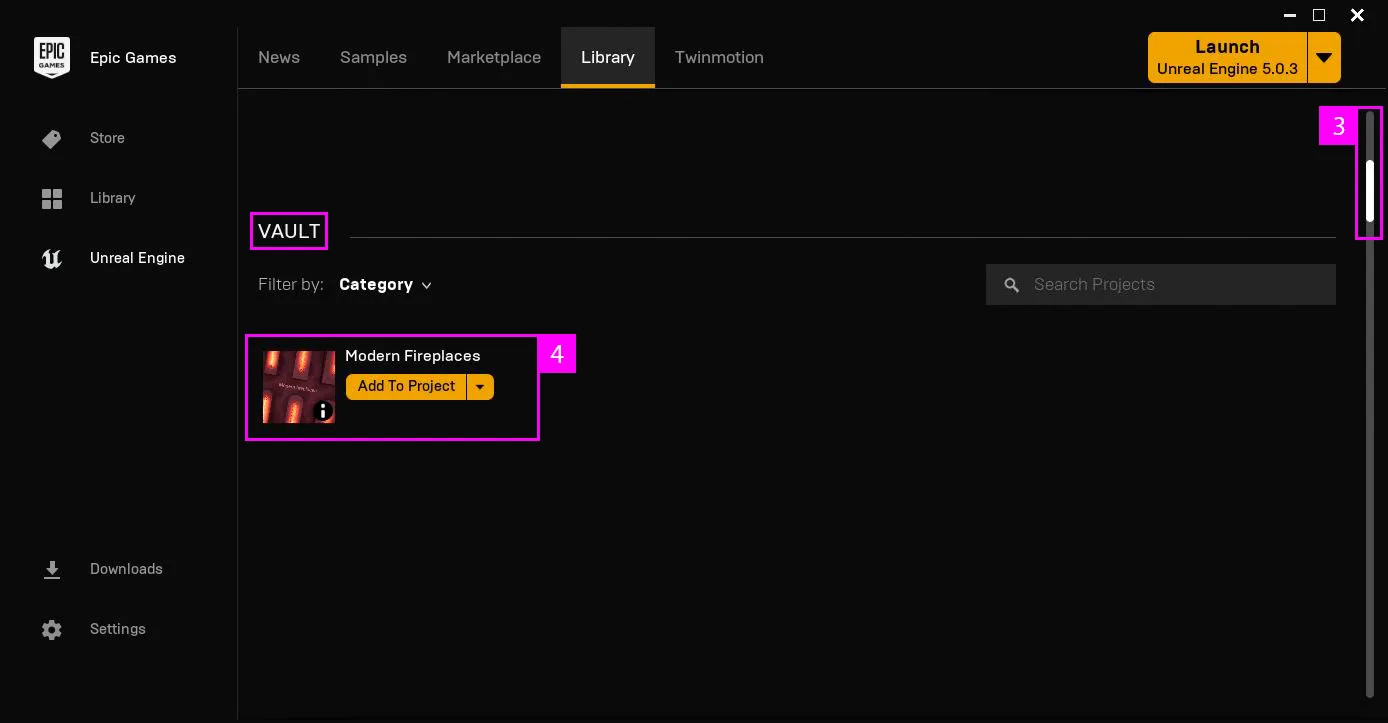
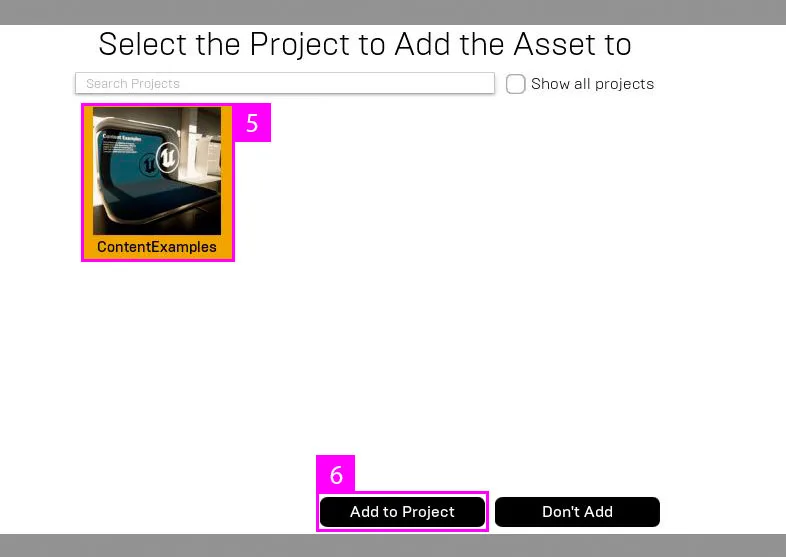
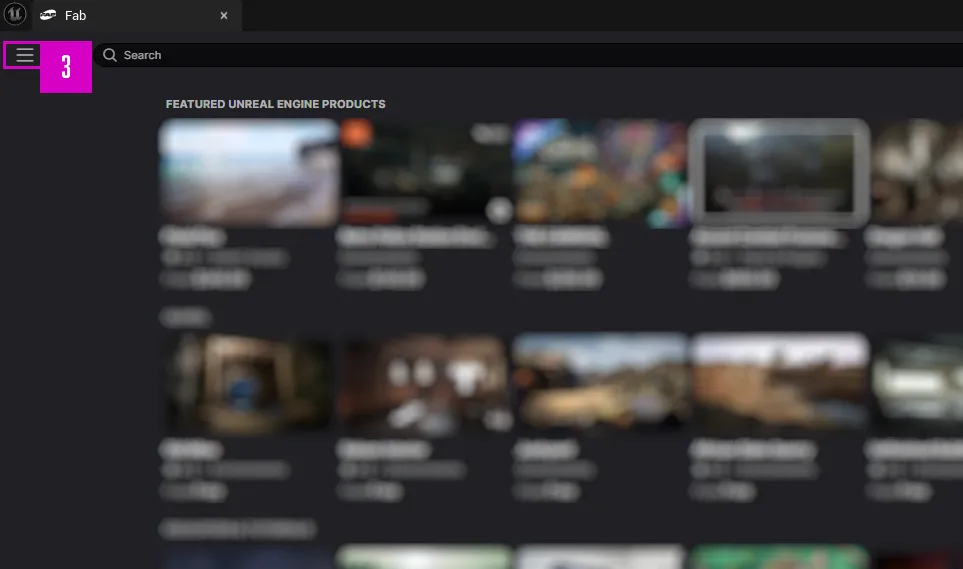
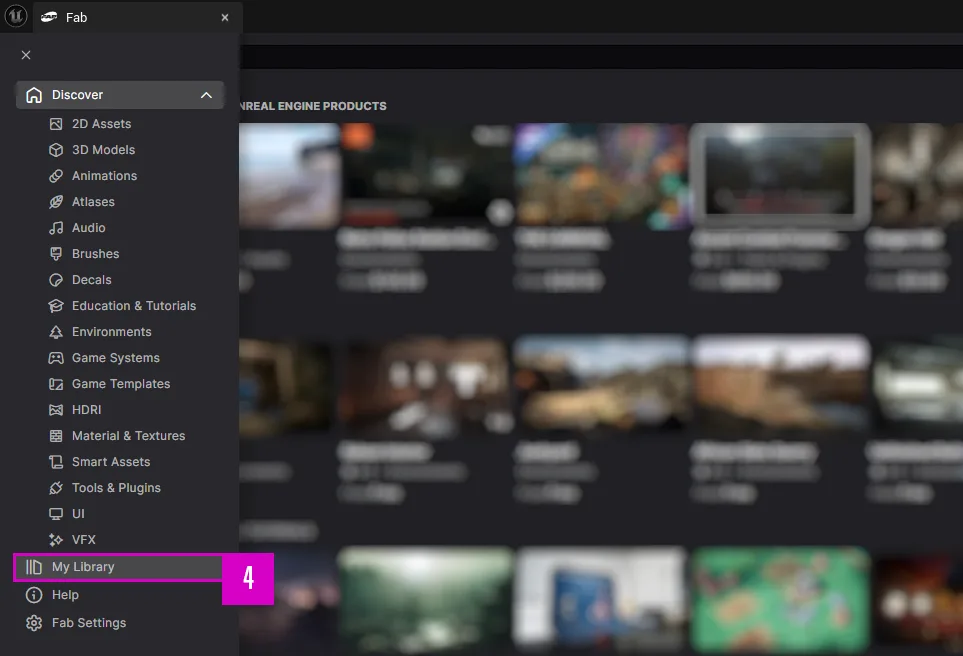
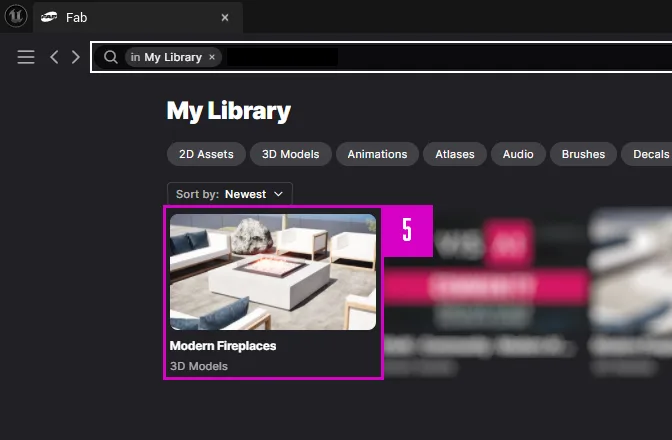
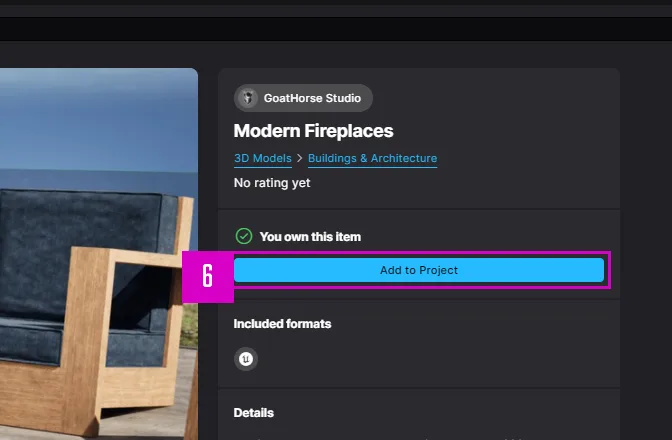
How to install (Legacy)

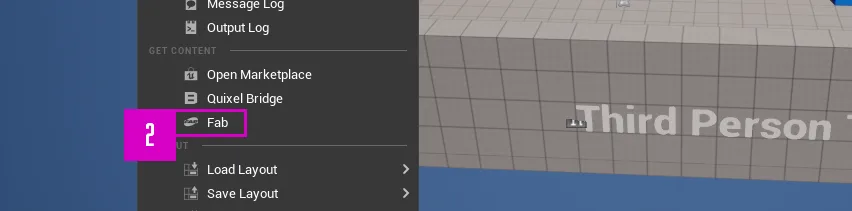
How to install (FAB)
Tutorials

Overview and quick start intro

Chapter 1 – Get a quick overview of whats in the project and how to easily and fast place a fireplace.

Outdoor fireplaces features settings

Chapter 2 – We a going through all the settings and features of the outdoor fireplaces.

Indoor fireplaces features and settings

Chapter 3 – We a going through all the settings and features of the indoor fireplaces.

Update notes

Update 2.1 (only for UE 5.4+)

  • Fixed – A gap in the chimney body occurred in UE 5.4. Some code in the functions AutoSetupChimney and ManualSetupChimney within the Indoor master blueprint was reworked and optimized. This code will be included in all UE versions in future updates.

Version 2.0

Added

  • 8 indoor fireplace models
  • 20 unique pillow meshes (we also made some grouped meshes for faster level placement)
  • furniture models.
  • WindGuard mesh for most outdoor Fireplace
  • New NiagaraFire variants
  • 5 new fabric materials.
  • 5 new materials for the outdoor fireplaces
  • 5 materials for the new indoor fireplace. (We made 2 variant material types for the indoor fireplaces, normal materials and materials with the “WP” in the name for WorldPosition. The WP materials are specially made for the indoor hanging fireplaces).
  • A smaller round FireplacePitArea model with cushions.
  • A new showcase island map (example island) – please note that this map is only for showcase. We do not offer support for environment elements in this map. You can freely use the map and the elements as you like. The map will be updated alongside with future updates.
  • An option to use the new niagara fluid fire system. (We made a modified version of the fire from Epic’s “Valley of the Ancient” project).
  • Custom blocking collision meshes for the outdoor FireplacePitAreas (if you have some NPCs that are walking around, these blocking collisions are made so that the only entrance down to the fireplace is through e.g. the stairs)
  • CutOut meshes for the outdoor FireplacePitAreas – use these meshes to make holes in flooring/ground meshes that the FireplacePitAreas should fit into.
  • FireplacePitAreas mesh platforms, meshes with a hole that the outdoor FireplacePitAreas fits into.
  • Fire Sounds for both campfire and the Bioflame fire
  • App system for the indoor fireplaces, UI widgets for the interactive app system.

New Features

  • Indoor system: The hanging models will have an automatic top angle calculator that will match the angle of the ceiling mesh and the fireplace models chimney – top mesh (runs in construction script)
  • Indoor system: The indoor fireplaces have an option to be controlled by an app when the player stands near a fireplace. The app can control things like: turn on/off fire, open/close the fireplace door. Set a target temperature for the fireplace to reach. Set a timer to toggle fire on and off, and more.
  • Outdoor system: Option for LED light with smooth area trigger turn on/off for the outdoor FireplacePitAreas
  • Outdoor system: All FireplacePitArea have an option to change all cushion materials and the FireplacePit material with one click.

Changes

  • New parent blueprints (MASTERS) for all 3 types of fireplace blueprints.
  • All meshes are now enabled as default with Nanite and virtual textures. (Meshes meant to be used as translucent meshes is still not supported by nanite as this is being written, we will update the meshes for nanite in future updates when this is possible)
  • Better and more realistic SpriteSheet texture for the Niagara CampFire
  • Minor fixes and tweaks
  • Extended the Master Material (M_Material) with a better burning wood system.
  • For the FireplacePitArea meshes we added an extra material channel for the floor. (base, floor)

Version 1.0 (rerlease version)

Added

  • 33 fireplace models
  • 6 PitArea models
  • 9 stone models is included for blow up effects or other FX (no such FX is included)
  • 13 wood models included to build custom firewood pile
  • 6 seating models included
  • Niagara fire (different variants)
  • 39 Textures in (8k, 4k, 2k)
  • 117 meshes in total
  • 16 materials (materials and Material Instances)
  • 50 blueprints in total